
For an established moving company still running on spreadsheets, a shared inbox and a whiteboard, SmartMoving is one of the safest all-in-one bets on the market. It pulls leads, estimates, dispatch, the crew app, invoicing and storage into a single system, and it earns a rare 4.9 out of 5 from 143 reviews — part of why you so often hear that "the best companies use it." The catch is pricing: SmartMoving is quote-only, and reviewers flag a genuine learning curve and a few reporting quirks. For a lean one- or two-truck operation, it can be more system than you need.
This review covers SmartMoving.com — the CRM and operations software for moving companies. It is not TransUnion SmartMove (tenant screening) or the local movers trading as "Smart Move." If you searched smartmove reviews and landed on background checks, that is a different company entirely.
What Is SmartMoving? #
SmartMoving is a cloud-based, all-in-one CRM and operations platform "built just for moving companies," headquartered in Dallas, Texas. The pitch is consolidation: run sales, estimating, dispatch, crews, billing and storage from one place instead of stitching together a general-purpose CRM, a spreadsheet and a separate dispatch board — the manual stack most movers actually live in.
It is also, by reputation, the platform movers graduate to. In reviews, operators describe switching to SmartMoving from older systems they openly call "dinosaurs" — Granot, CompuMove, MovePoint — and even from newer rivals, usually citing a more modern interface and the sense that "most of the best companies were using it." In 2024 SmartMoving became the only moving software on the Inc. 5000 list of America's fastest-growing companies, and the vendor says it is used by thousands of moving companies. The target is clear: established, growth-minded movers, not someone booking their first handful of jobs.
SmartMoving Features #
SmartMoving is broad. The platform runs the full lifecycle of a move, from the first web lead to the final invoice and the storage bill months later. The main modules break down as follows.
CRM & Lead Management #
The CRM is the core, and it targets the industry's real leak — not a shortage of leads, but a shortage of follow-up. Leads auto-import from multiple sources and an embedded website form, then flow through a tracked lifecycle with source attribution so you can see which marketing actually books jobs. Automated follow-ups, email and text templates, lead routing, and embedded sales scripts and rebuttals keep prospects warm while reps are out on a truck. Reviewers credit this lead tracking and follow-up with a measurable lift in conversion — the difference between owning your customers and letting them slip.
Estimating & Virtual Surveys #
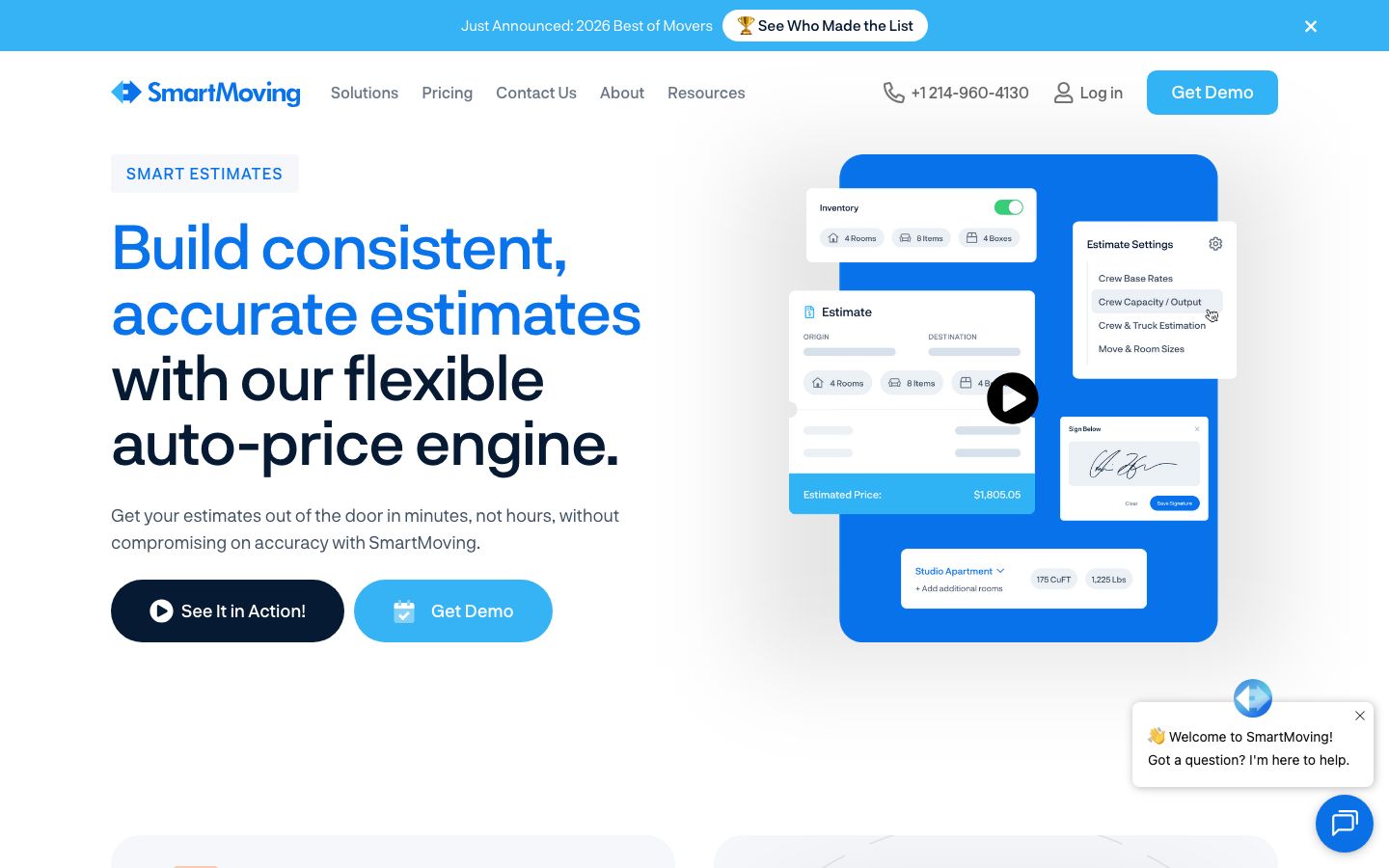
Estimating is a strength. Reps build mobile-friendly estimates with e-sign, a configurable pre-move inventory, and an auto-pricing engine that applies fee rules, auto-calculated trip and travel fees, and multi-tariff support. Estimates can be scheduled by phone, on-site or virtually, and SmartMoving integrates LiveSwitch for virtual surveys. A customer portal lets clients view documents and pay deposits, and custom rate tables cover peak, off-peak and weekend pricing — the tooling to give a firm "not-to-exceed" number instead of guessing.
Dispatch & Scheduling #
Operations run on a job calendar that shows real-time crew and truck capacity, with drag-and-drop scheduling and dispatch for local, intrastate and interstate jobs. Long-distance trip planning is built in, crews can be labeled by skills and certifications, and automated notifications and confirmations keep the office, the crew and the customer in sync — so a truck does not roll to the wrong address on the wrong day.
Crew App (Mobile) #
SmartMoving ships a built-in crew app on both the Apple App Store and Google Play. On the job, crews pull up their schedule and job details, capture signatures and documents, and trigger automated arrival notices. It closes the loop between the office and the truck — though, as noted in the cons below, crews sometimes find the app heavier than they would like.
Invoicing, Payments & QuickBooks #
Billing includes integrated payment processing, deposits collected through the customer portal, and a QuickBooks sync so accounting is not re-keyed — the double-entry between a CRM and QuickBooks is exactly where movers say margin quietly dies. In practice a booked job flows to QuickBooks for invoicing while the customer is picked up in Mailchimp for follow-up, so neither the books nor the marketing list is retyped by hand. Payroll management and daily rate overrides round out the money side.
Reporting, Storage & Operations #
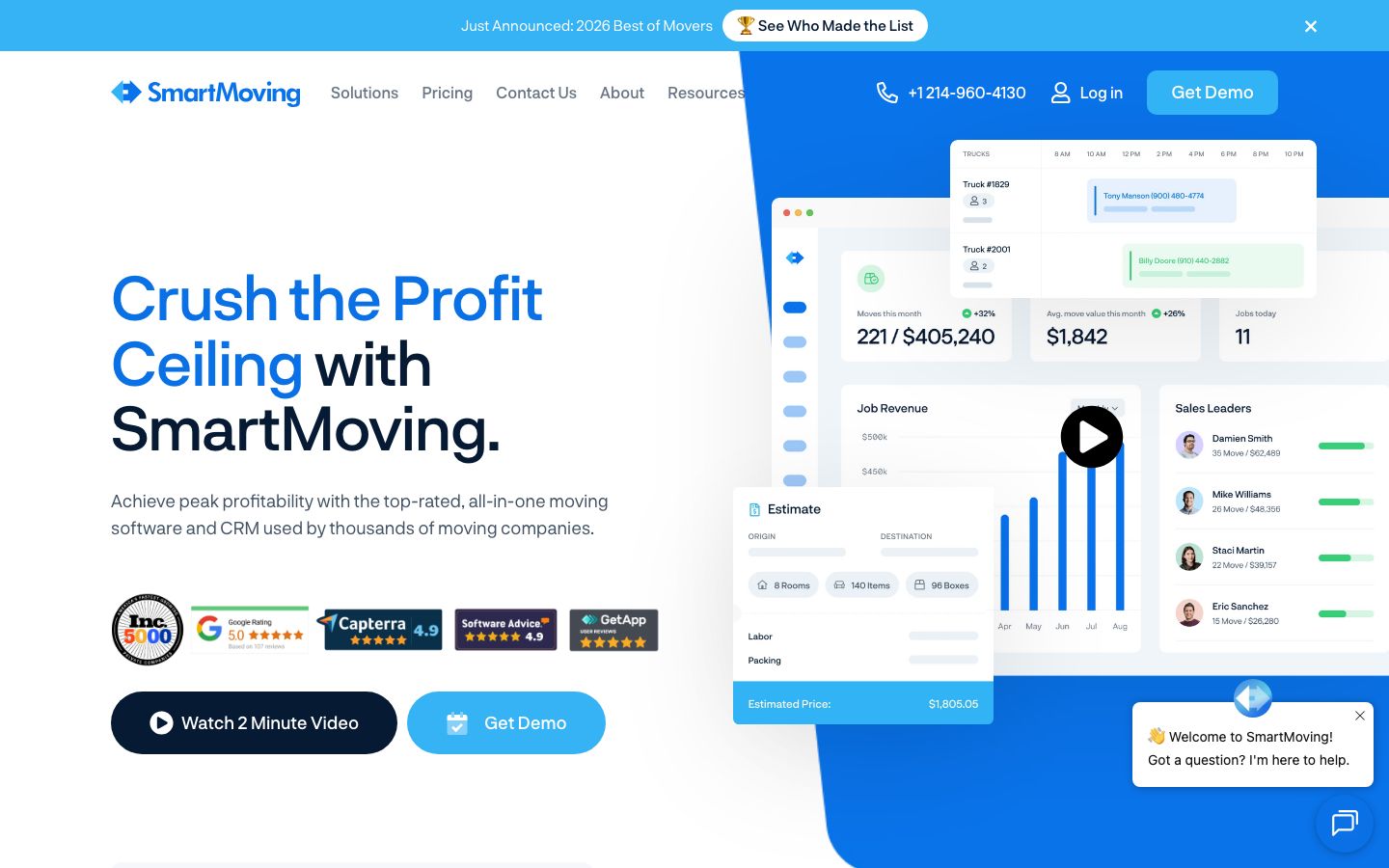
SmartMoving includes 40+ built-in reports, lead-source conversion analysis and a marketing-spend ROI report. For movers with warehouses, storage management covers multiple facilities, automated recurring billing, printable container and vault tags, vault location tracking and automated late fees. A ticketing system, automated post-move surveys and automated review requests handle customer service, and a Mailchimp integration feeds marketing.
SmartMoving Pricing #
SmartMoving does not publish a price. The pricing page shows a single plan and a "Contact Us" button rather than a number.
| Plan | Best for | Price |
|---|---|---|
| Growth | Established movers ready to scale | Quote-only — contact sales |
What is public: billing is flexible — "monthly, quarterly, or annually" — and the vendor says customers are "fully onboarded in just three weeks on average." There is no self-serve free trial; evaluation happens through a live demo. The single-plan, quote-based model means cost tracks the size and needs of your operation rather than a fixed public per-seat rate, which favors larger movers over one-truck startups.
On integrations, SmartMoving connects with QuickBooks, MailChimp, RingCentral, RIG Moving Insurance and Google, names a dozen-plus integrations overall, and offers an Open API for anything custom.
Who SmartMoving Is For (and Who It Isn't) #
Best for: established, multi-crew, full-service movers — especially those adding long-distance or storage — and operators finally replacing a legacy system or a spreadsheet-and-whiteboard stack. The breadth pays off when you have the volume and the staff to use it, and the modern interface is a real step up from the "1990s Microsoft" tools people describe leaving behind.
Less ideal for: very small or budget-first operators. The quote-only pricing makes it hard to know upfront whether it fits, and reviewers repeatedly mention a learning curve — one calls it "a new learning curve" with every update — while the inventory tool and crew app are described as "a bit over-complicated" for crews. If you run a single truck, a leaner, transparently priced tool may serve you better.
Is SmartMoving Legit and Worth It? #
SmartMoving is a legitimate, well-reviewed company. Across Capterra and SoftwareAdvice it holds a 4.9 out of 5 rating from 143 reviews, it operates from a real Dallas headquarters, and its 2024 Inc. 5000 placement is verifiable. The recurring praise is exactly what you would want from an all-in-one: reviewers say it "has every tool a moving company could need" without being overwhelming, and single out lead tracking and follow-up for improving conversion.
Whether it is worth it comes down to size. For an established, multi-crew, full-service mover, SmartMoving's depth pays off and the single-system approach removes real operational friction — which is why so many shops migrate to it from older tools. For a very small or budget-first operation, the quote-only pricing and the sheer breadth can be more than you need, and the learning curve is real.
SmartMoving Alternatives #
If SmartMoving is not the right fit, the closest alternatives are other moving-native platforms:
| Alternative | Best for |
|---|---|
| Supermove | Tech-forward movers scaling operations |
| Chariot | Modern UI and transparent, published pricing |
| MoveitPro | Established movers wanting an all-in-one suite |
| Movegistics | Movers who want AI virtual surveys built in |
Each is reviewed in depth on its own page. If you are still scoping the category, the moving CRM and moving dispatch software guides compare the field by function.
SmartMoving Login & Support #
Existing customers sign in to the web app at app.smartmoving.com, and crews log in through the SmartMoving crew app on the Apple App Store and Google Play. Support runs through SmartMoving's help center and account team; reviewers rate support well overall, though a few note it can occasionally be "hard to get someone on the line" at peak times. The company lists a Dallas office and phone line for sales and onboarding.
Built for Your Whole Team #
SmartMoving is broad because a move touches everyone in the shop, and each role gets its own slice of the same system.
- Owners — you get 40+ built-in reports, lead-source conversion analysis and a marketing-spend ROI report, so you can see which channels actually book jobs and where margin leaks.
- Dispatchers — a job calendar shows real-time crew and truck capacity, with drag-and-drop scheduling across local, intrastate and interstate jobs plus automated crew notifications and confirmations.
- Crews / drivers — the built-in crew app on the Apple App Store and Google Play pulls up job details, captures signatures and documents, and triggers automated arrival notices from the field.
- Customers — a self-service portal lets them view documents, e-sign estimates and pay deposits online.
The flow runs end to end: a lead auto-imports, a rep builds and e-signs the estimate, the job books, dispatch assigns a crew and truck, the crew works the move on the app, billing invoices and syncs to QuickBooks, and — once the move is marked complete — SmartMoving automatically fires a post-move survey and a review request to the customer by email or text. Marketing feeds off the same data through a Mailchimp sync, and call activity routes through RingCentral.
Book a SmartMoving demo
Vendor-facilitated. We forward your request to their sales team within 24 hours.
- Choose a preferred date + time slot
- 30-minute product walkthrough
- Custom pricing based on your seat count
Screenshots
Pros
- All-in-one that reviewers say "has every tool a moving company could need" without being overwhelming
- Rare 4.9/5 from 143 reviews — the platform many movers switch to from legacy tools like Granot and CompuMove
- Lead auto-import, source attribution and automated follow-up that reviewers credit with higher conversion
- Deep estimating: multi-tariff support, auto-pricing, e-sign and LiveSwitch virtual surveys
- Built-in native crew app plus local, intrastate and interstate dispatch with long-distance trip planning
- QuickBooks, Mailchimp and RingCentral integrations, plus an Open API
Cons
- No public pricing — quote-only, which makes upfront budgeting hard for small movers
- Learning curve: reviewers say "every update is a new learning curve," and the inventory tool and crew app can feel "over-complicated" for crews
- Reporting quirks: sales reps report numbers that "sometimes just disappear" in booked and potential views (SmartMoving says reporting is improving)
- Can run slow at times, with occasional calculation errors, according to reviewers
- Limited multi-branch permission scoping — a manager at one branch cannot be walled off from another
- Invoicing is not easily customizable to every billing setup; no self-serve free trial (demo only)
Frequently Asked Questions
Similar Moving CRM Software Tools
User Reviews
Write a reviewNo reviews yet for SmartMoving.
Be the first to review